
 EN

Common inverter faults on the factory floor
An inverter (VFD) tripping in the middle of a shift is a familiar scene. Most faults can be narrowed down quickly once you know which group of causes a fault code points to. This article summarizes the common fault groups and where to start checking.
Safety note: isolate the supply and wait for the DC bus capacitors to discharge (usually a few minutes; check the manufacturer's manual) before opening the cover or measuring inside. Fault code names differ between brands and series, so always check the manual of your exact model.
1. Overcurrent (often shown as OC, OCn…)
Symptom: the drive trips on acceleration, on deceleration or while running.
Common causes
- Acceleration time too short for the load inertia.
- Jammed or heavier-than-designed load.
- Drive rated lower than the motor requires.
- Degraded motor or cable insulation causing earth or phase-to-phase faults.
- Wrong motor parameters.
First checks: read the fault history for the current at trip time, try a longer acceleration time, turn the load by hand to see if it binds, and test motor and cable insulation.
2. DC bus overvoltage (often OV, OVn)
Symptom: the fault appears on deceleration or fast stops, especially with high-inertia loads.
Common causes
- Deceleration time too short: the motor returns energy and raises the DC bus voltage.
- Overhauling loads (downhill conveyors, hoists, large fans still spinning).
- High supply voltage or spikes from other equipment.
What to do: lengthen the deceleration time, use a braking resistor or brake unit if the load regularly regenerates, and check the supply voltage.
3. Undervoltage (often Uv, LU)
Symptom: the drive stops when a large load starts on the same supply or when the grid sags.
Common causes: weak supply, undersized cable, loose terminals at breakers or contactors, a lost phase, or aging charging circuit or capacitors inside the drive.
What to do: measure the three-phase voltage under load, retighten lugs, check cable size, and separate the drive from large starting loads.
4. Overload and overheating (OL, OH)
Symptom: the drive runs for a while and then trips, or trips on hot afternoons.
Common causes
- Failed or jammed cooling fan, heat sink clogged with dust.
- Sealed cabinet with poor ventilation, high ambient temperature.
- Actual load above rating, or long low-speed running with a motor that has no separate cooling fan.
What to do: clean the heat sink and filters, check the fan, improve ventilation or add a cabinet fan or cooler, and compare the working current with the rating.
5. Earth fault, phase loss, communication errors
- Earth fault / output fault: test motor and cable insulation, and check the motor terminal box for moisture.
- Phase loss at input or output: check fuses, breakers and loose lugs.
- Communication errors: check cabling, termination resistors, baud rate and station address.
Prevention beats repair
- Retighten terminals and inspect visually on a schedule.
- Remove dust and keep cabinets dry and ventilated.
- Monitor operating temperature and replace fans and wear parts as the manufacturer recommends.
- Size the drive for the real load, with some margin.
- Keep the fault history and parameter settings so you can compare when a fault recurs.
Need help choosing a replacement drive?
Send us the current drive model, the motor data (power, current, voltage) and a description of the load, and we will work out a suitable option with you.
Further reading: inverter fault guides from Maxivolt and Hợp Kỹ Automation, and manufacturer manuals. This is an original write-up and does not replace the manufacturer's official instructions.
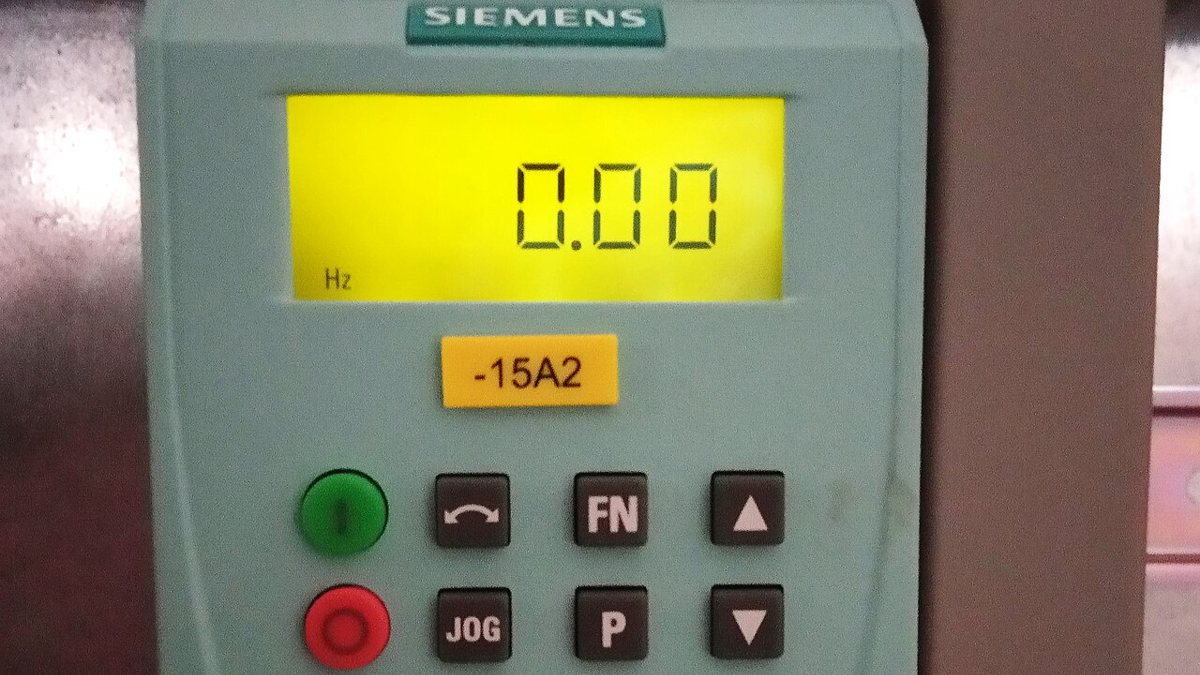
Cover image: Siemens VFD by Sarah Adrita, licensed under CC BY-SA 4.0, cropped; via Wikimedia Commons.
