
 EN

Choosing a PLC for a small machine: what to consider
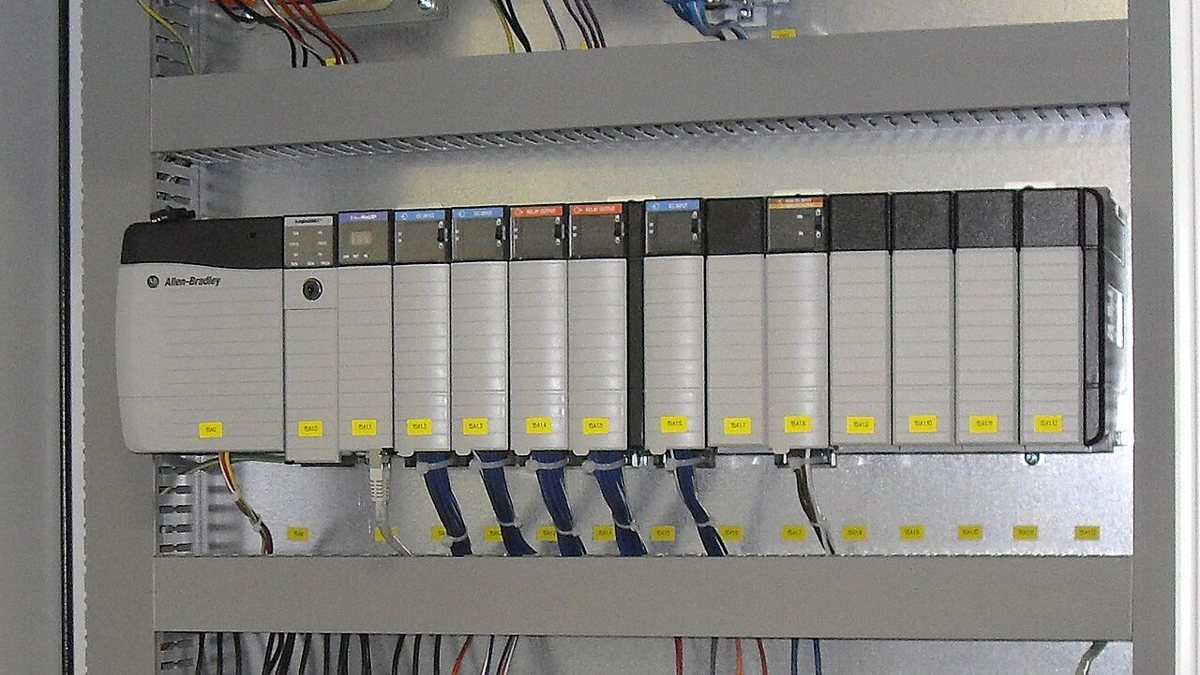
On a single machine the PLC is just a small box in the control cabinet. But the wrong model can mean rewiring, extra modules or even a different programming package a few months later. Here is what to settle before you order.
1. Count the I/O accurately
List every signal on the machine and split it into four groups:
- Digital inputs (DI): push buttons, limit switches, proximity and photoelectric sensors.
- Digital outputs (DO): contactor coils, solenoid valves, indicator lamps, buzzers.
- Analog inputs (AI): temperature, pressure, load cell, 4–20 mA or 0–10 V signals.
- Analog outputs (AO): speed reference for a drive, proportional valve control.
Then add roughly 20–30% spare for signals that appear during commissioning. If the list is not final, choose a family that accepts expansion modules instead of buying the largest CPU on day one.
2. Pick the output type that suits the load
- Relay outputs: switch many kinds of load (AC or DC) and are convenient when loads vary, but they are slower and the contacts wear out.
- Transistor outputs: fast and durable under frequent switching, and required for pulse output to servos or steppers. Usually DC only and limited current.
If a valve or coil switches every few seconds, prefer transistor outputs (with an interposing relay for larger loads). Also check the supply voltage: most small machines use 24 VDC.
3. Look at the special functions
Some machines need more than on/off logic:
- High-speed counters (HSC) for reading encoders.
- Pulse outputs for servo or stepper control.
- PID control for temperature or pressure.
- Real-time clock, recipe storage or data logging.
Check each requirement against the specific model: variants within one family can differ in the number of high-speed inputs or pulse axes.
4. Communication: think ahead about HMI, drives and monitoring
A small machine today typically connects to:
- an HMI panel,
- a drive or servo,
- meters and measuring devices,
- a remote monitoring system.
Check that the PLC has RS-485 (Modbus RTU) and/or Ethernet (Modbus TCP or a vendor protocol) and enough ports for the devices above. Having the ports from the start lets you add remote monitoring later without replacing the PLC.
5. Expansion and lifecycle
- A family with matching expansion modules lets you add I/O without replacing the CPU.
- Ask about availability and lead time for both the CPU and the modules.
- Consider the programming software (licensing, supported languages) and which brand your technicians already know. This long-term cost is often overlooked.
Quick checklist
- Have you counted DI/DO/AI/AO and added 20–30% spare?
- Relay or transistor outputs, and what supply voltage?
- Do you need HSC, pulse output, PID or data logging?
- Are there enough communication ports for the HMI, drives and monitoring?
- Can you add modules later?
Need help choosing a model?
Send us the machine's signal list, load types, the devices to connect and the quantity, and we will work out a suitable PLC configuration with you.
Further reading: PLC selection guides from Industrial Monitor Direct, Moreval and manufacturer datasheets. This article is an original write-up based on field experience.
Cover image: BMA Automation Allen Bradley PLC 3 by Elmschrat Coaching-Blog, licensed under CC BY-SA 3.0, cropped; via Wikimedia Commons.
